Measure to scale
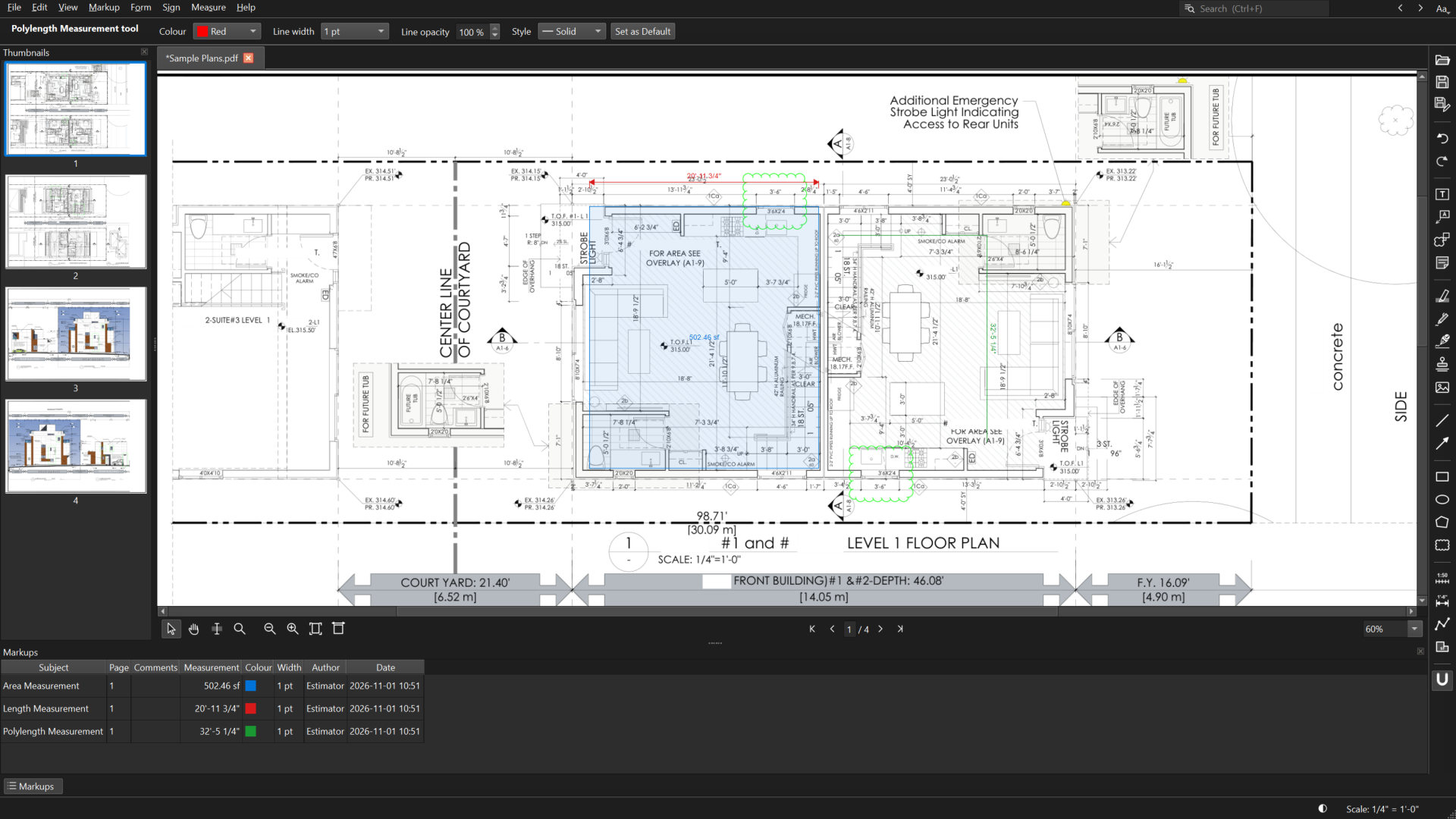
Pick a standard scale or calibrate from any known dimension. Measure lengths, runs and areas in feet-inches or metric, with points that snap to the lines in the drawing.
PDF viewer & editor for Windows
Pagenib opens big PDFs in a blink and gives you the tools you actually use: markups, measuring to scale, form filling and digital signatures. Everything you save is a standard PDF that opens properly in any other PDF app.
Features
A focused toolset for people who live in PDFs: drawings, contracts, permits and forms.
Pick a standard scale or calibrate from any known dimension. Measure lengths, runs and areas in feet-inches or metric, with points that snap to the lines in the drawing.
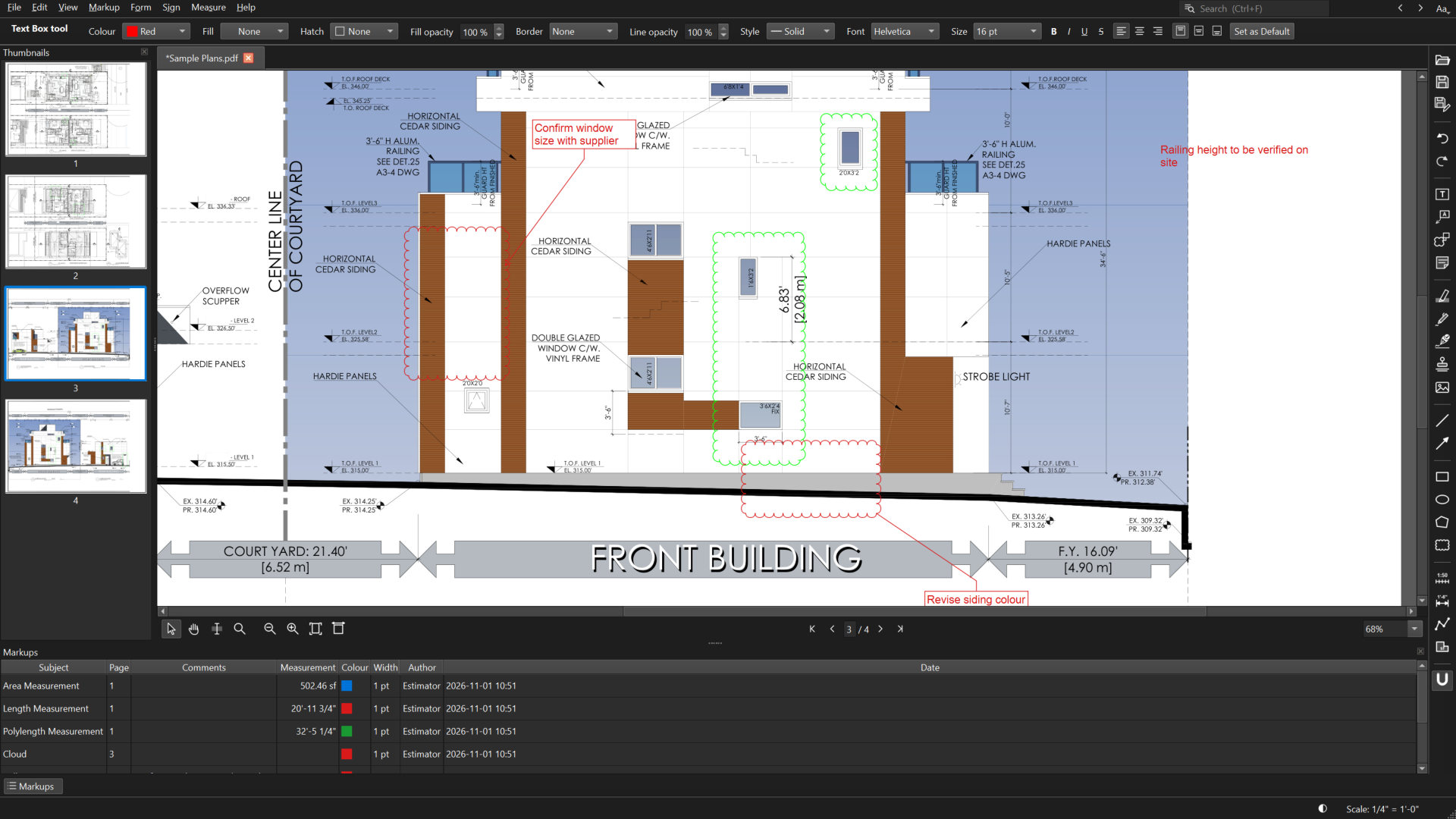
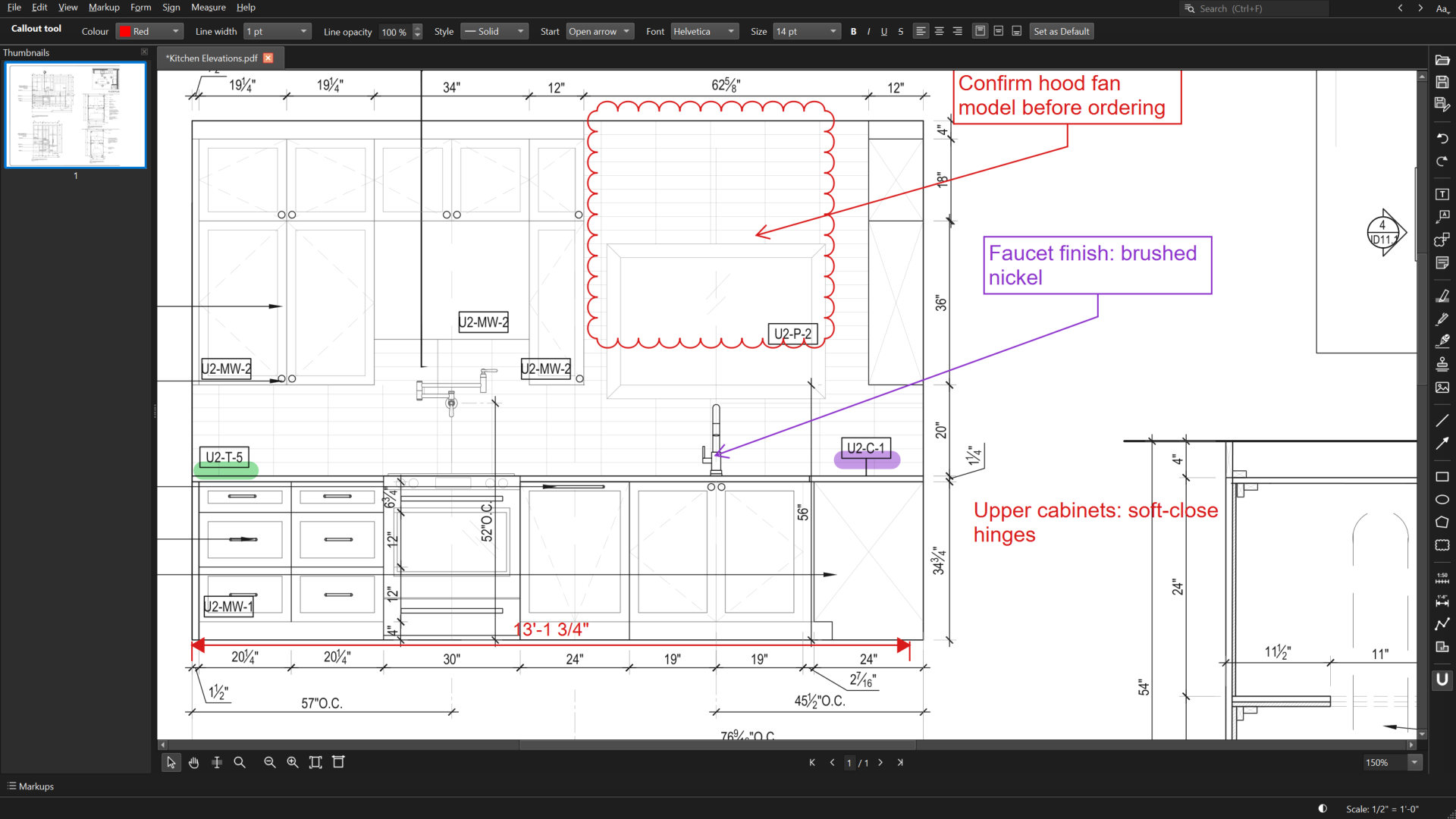
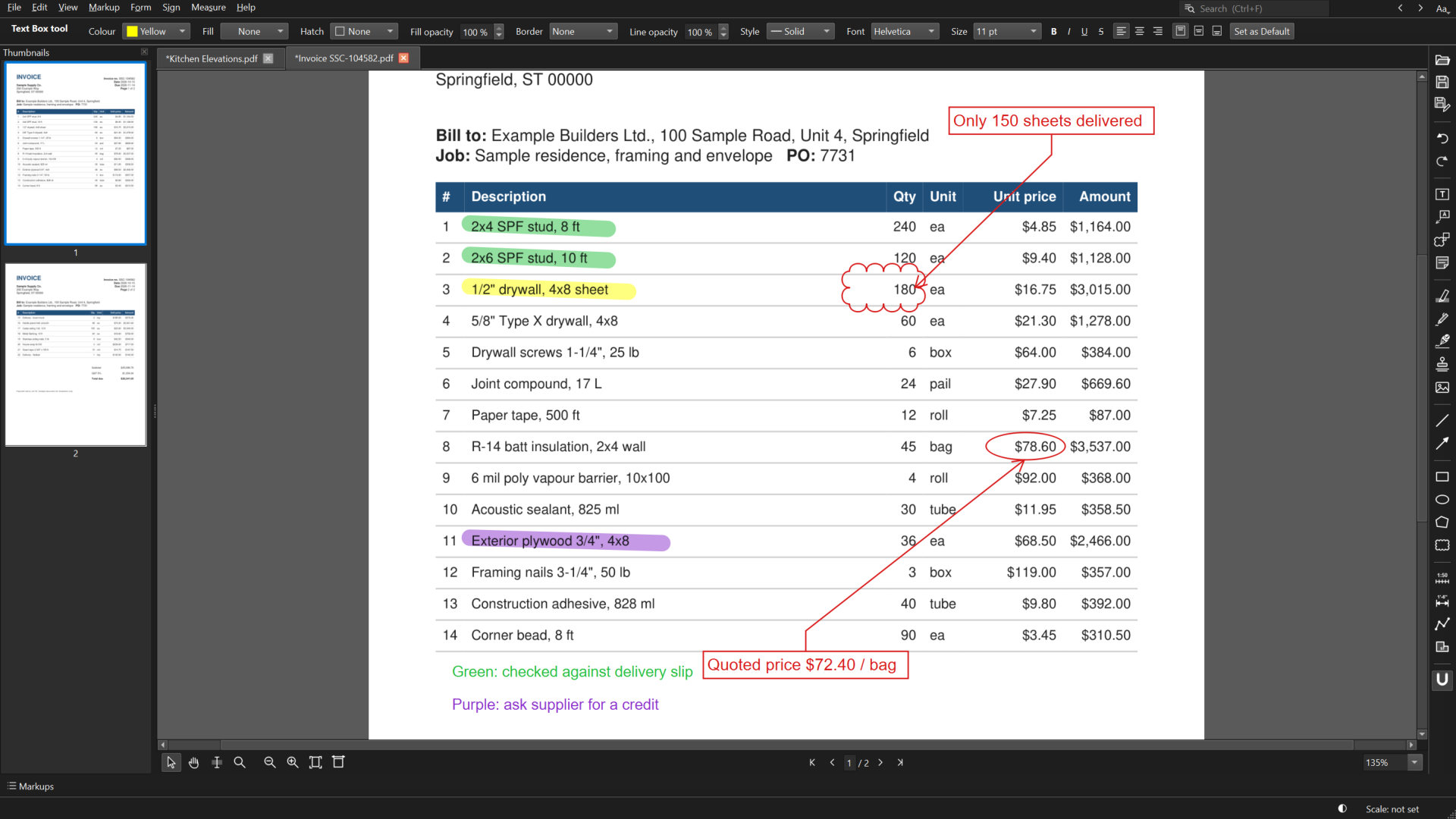
Text boxes, callouts, clouds, arrows, shapes, highlighter, pen, stamps, images and sticky notes.
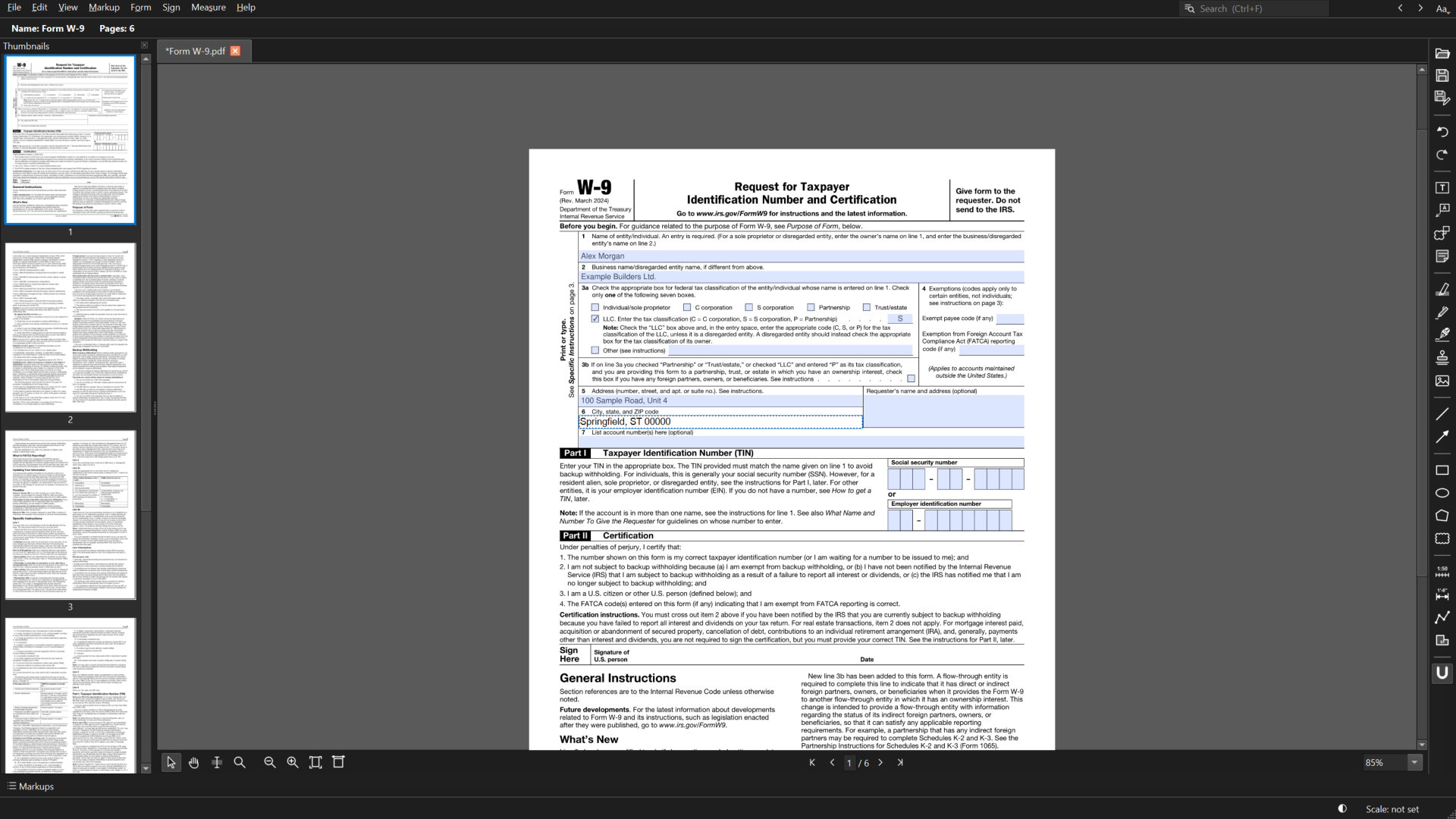
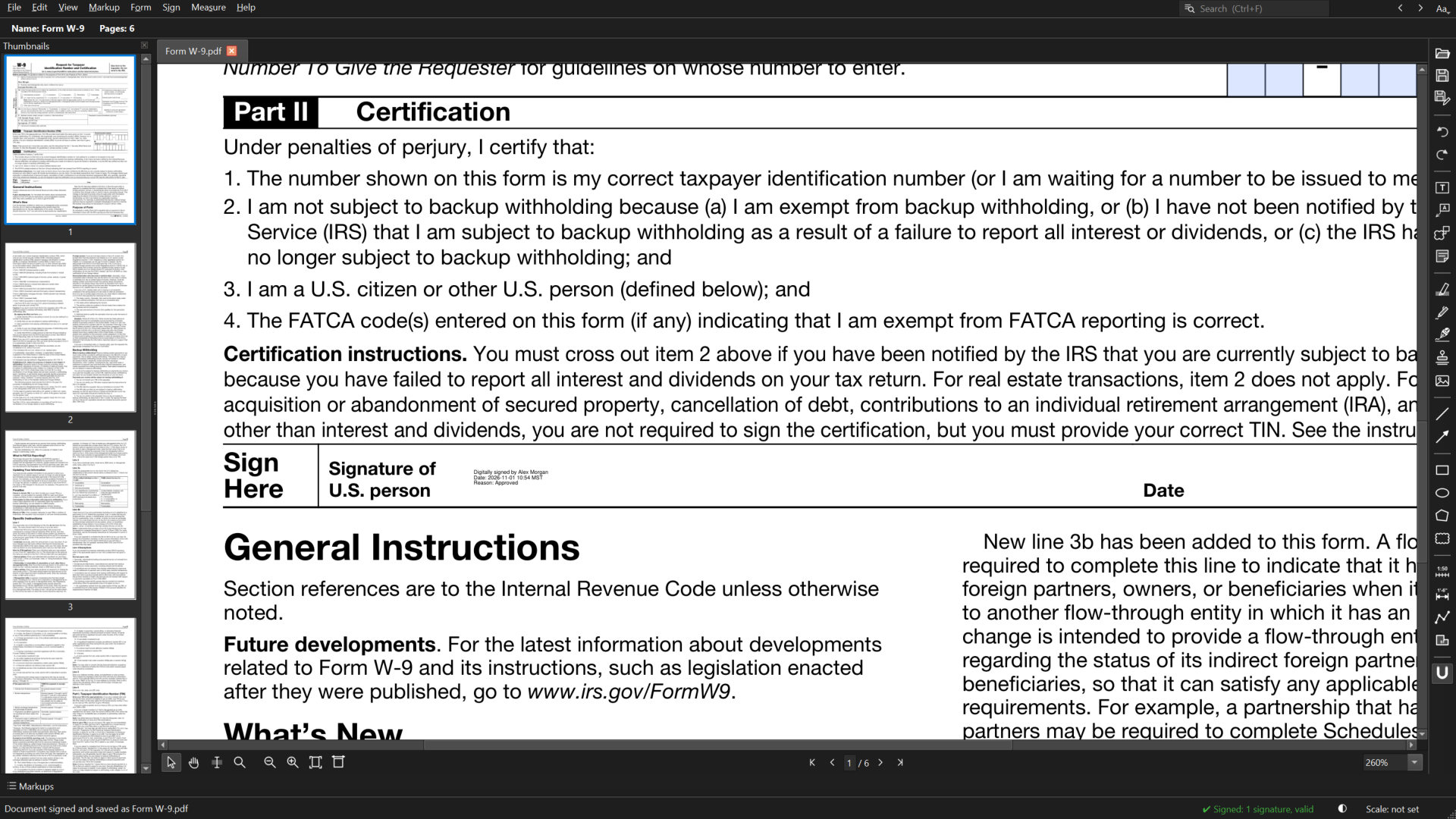
Type into fillable PDF forms, add the date and your initials, and sign with a digital ID other apps can verify.
Large-format sheets and long sets open quickly and stay crisp at any zoom. Keep many files open in tabs.
Markups are saved as normal PDF annotations, and measurements stay measurements, in whatever app your team opens them with.
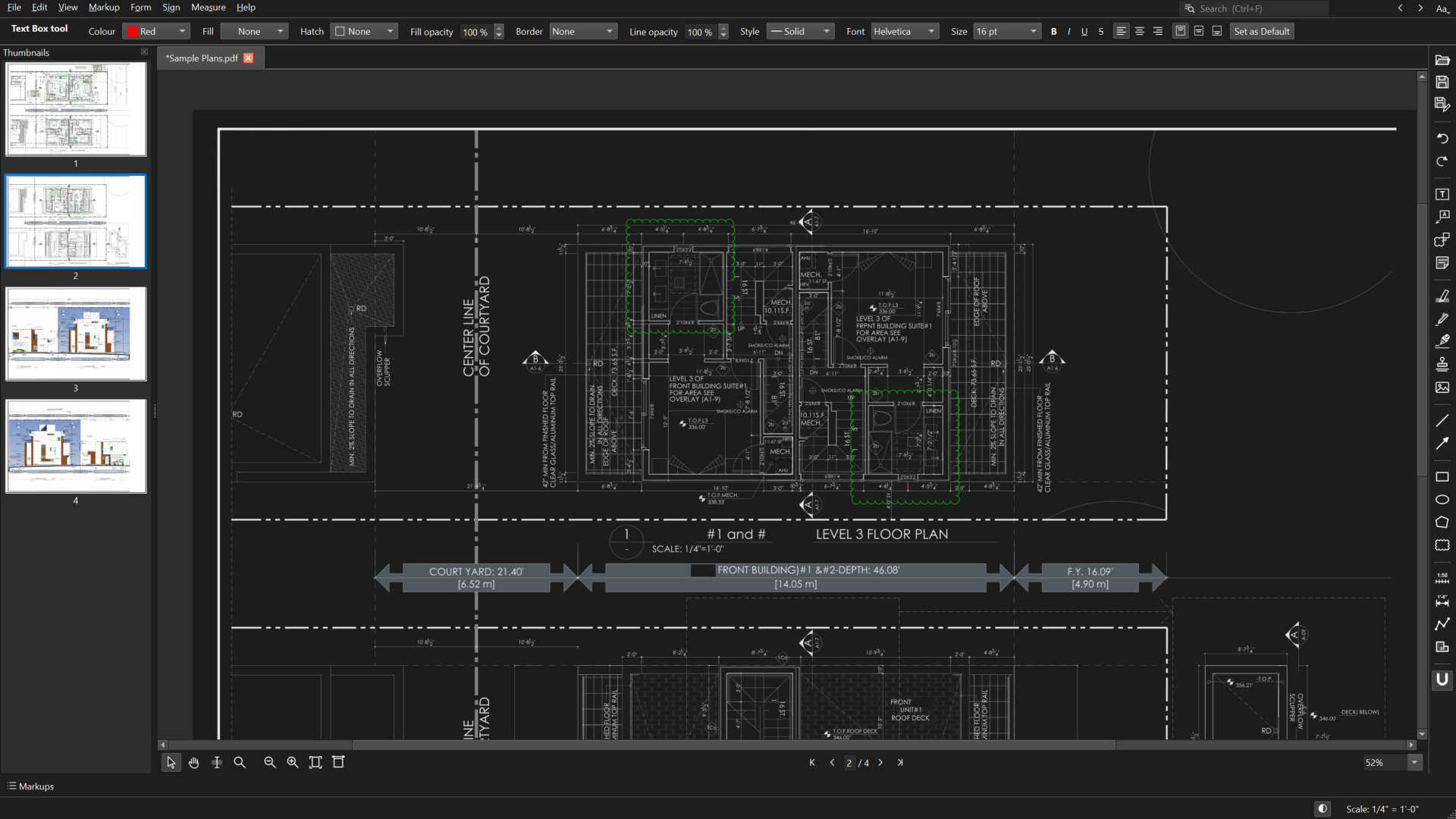
Insert, delete, rotate and flatten pages. Search the text, shrink files with Compress, and switch to dark pages for late nights.
PDF previews in File Explorer, one window with tabs for every file you open, no administrator needed to install, and it works offline.
Measuring
Choose 1/4" = 1'-0", 1:50 or any standard scale, or calibrate on a dimension you trust.
The magnet snaps to line ends, corners and crossings, so you land exactly where you meant to.
Lengths, runs and areas appear on the sheet and in the Markups list, ready to save.
Tour
Tools down the side, settings across the top, your drawing in the middle.
Measure length and area at scale
standard PDF annotations
accounts or sign-ins needed
markup and measuring tools
window for all your files, in tabs

Free. No account, no ads, no tracking. Keeps itself up to date.
Coming later
Every download comes from GitHub or the app stores, never from a third-party mirror. All versions and release notes
FAQ
Yes. Pagenib saves everything as standard PDF annotations. Markups, measurements and page scales open in other PDF viewers and editors, and measurements stay real measurements.
Yes. Set metric scales like 1:50 or 1:100, calibrate in mm, cm or m, and show results in metric or feet-inches.
Yes, Pagenib is free to download and use. There's no account, no ads and no tracking.
Installers are published on GitHub and will also be offered through the Microsoft Store (and the Mac App Store later). The Windows installer and app are digitally signed by the developer, so Windows can confirm who made them and that they haven't been changed.
Pagenib is signed, but its certificate is new, so for a while Windows SmartScreen may still ask first. Check that a publisher name is shown (not "Unknown publisher"), then click More info and Run anyway.
Pagenib checks for a new version about once a day and offers to install it for you. You can also check any time with Help > Check for Updates.
No. Your PDFs and markups stay on your computer. See the privacy policy.
Yes. The installer offers it on its last page and opens the right Windows setting for you.
It's planned. The app is built to run on Mac too; the Mac installer comes after the Windows version is finished.